Microsoft quietly took the wraps off their new Surface tablet, and it looks like a winner! Here’s the full scoop on their new consumer focused Windows tablet!
Microsoft Surface 3 (not Pro) Revealed! Everything You Need to Know!

Let's Talk Tech
Microsoft quietly took the wraps off their new Surface tablet, and it looks like a winner! Here’s the full scoop on their new consumer focused Windows tablet!
 SuperFish has been an ugly security black mark for Lenovo. It’s often been a criticism in my reviews of their gear that they include too much “value added” software (bloat), and removing a lot of it will noticeably improve system performance.
SuperFish however was a piece of adware. If a Lenovo owner opted into the “service”, SuperFish would analyze images and searches to insert ads for similar products and to do cost comparisons. While that doesn’t sound terrible, behind the scenes SuperFish would install its own security certificates which allowed the service to intercept encrypted traffic.
It’s doubtful that Lenovo or SuperFish seriously wanted to peek in on your private and secured data, but such a gaping hole could easily have been exploited by another attacker.
Lenovo detailed that this adware package was only installed on consumer systems, not on Thinkpads and business systems. Today they’ve published details on removing the service, and they’ve released an app to aid in the removal.

It was time folks. My old rig was originally designed to edit audio, and moving into UHD and 60 FPS HD video, she just couldn’t keep up anymore. Say hello to my new video editing workstation. Freshly built and ready to destroy my future reviews!
The challenge was to build a tower with an OS for less than the price of a mid-range iMac (as I will be recycling my displays, speakers, keyboard, and mouse). How’d I do? Let’s take a look!
Full parts list below:
Continue reading “Build Your Own PC! SomeGadgetGuy’s New Video Editing Workstation for 2015!”
 HP has a bold new move to spark customer’s interest in PC’s again. They’re going BACKWARDS! That always works! People love a good nostalgia play!
Announced recently on their site and through an email blitz, HP proudly proclaimed they’re “listening to the consumer” and offering up systems running Microsoft’s last popular OS. It’s a desperate move from a company which has been struggling recently to adapt to a post-PC market. The parallels with Blackberry here are astounding. As BB was caught unprepared for consumers buying pretty smartphones, HP hasn’t been able to figure out their offerings in a world where iPads exist.
Pandering to a media narrative which is all too ready to baselessly criticize Windows 8, HP seems to be banking on the technology “hater” market to pull them out of their slump. You know, that group of people who rail against change and spend TONS of money on things like old laptops. That last sentence was sarcasm by the way. Regardless, I’m sure this will prove a winning strategy for the beleaguered tech firm (also sarcasm).
 Here’s the fault in their logic. With all the haterade being dumped on Windows 8, You’d think every manufacturer would be in trouble. As a whole the entire industry is down 15-20% depending on who you ask to track the sales. Unfortunately for those taking glee in Microsoft’s stumble, companies like Asus and Lenovo exist, and both are actually improving their sales during this transition which is unprecedented. Built on the backs of innovative and creative design, Lenovo profits over the 2012/13 fiscal year were up almost 18% over the 2011/12 fiscal year. Embracing Windows 8, and providing consumers innovative products at competitive prices, seems to have worked for Lenovo.
The other major problem with HP’s reasoning is Apple. Continue reading “Editorial: HP’s Catastrophic Mistake – Bringing Windows 7 ‘back by popular demand’…”
 Let’s just make it a rule that we don’t follow tech support advice from infographic pictures on the internet? Cool?
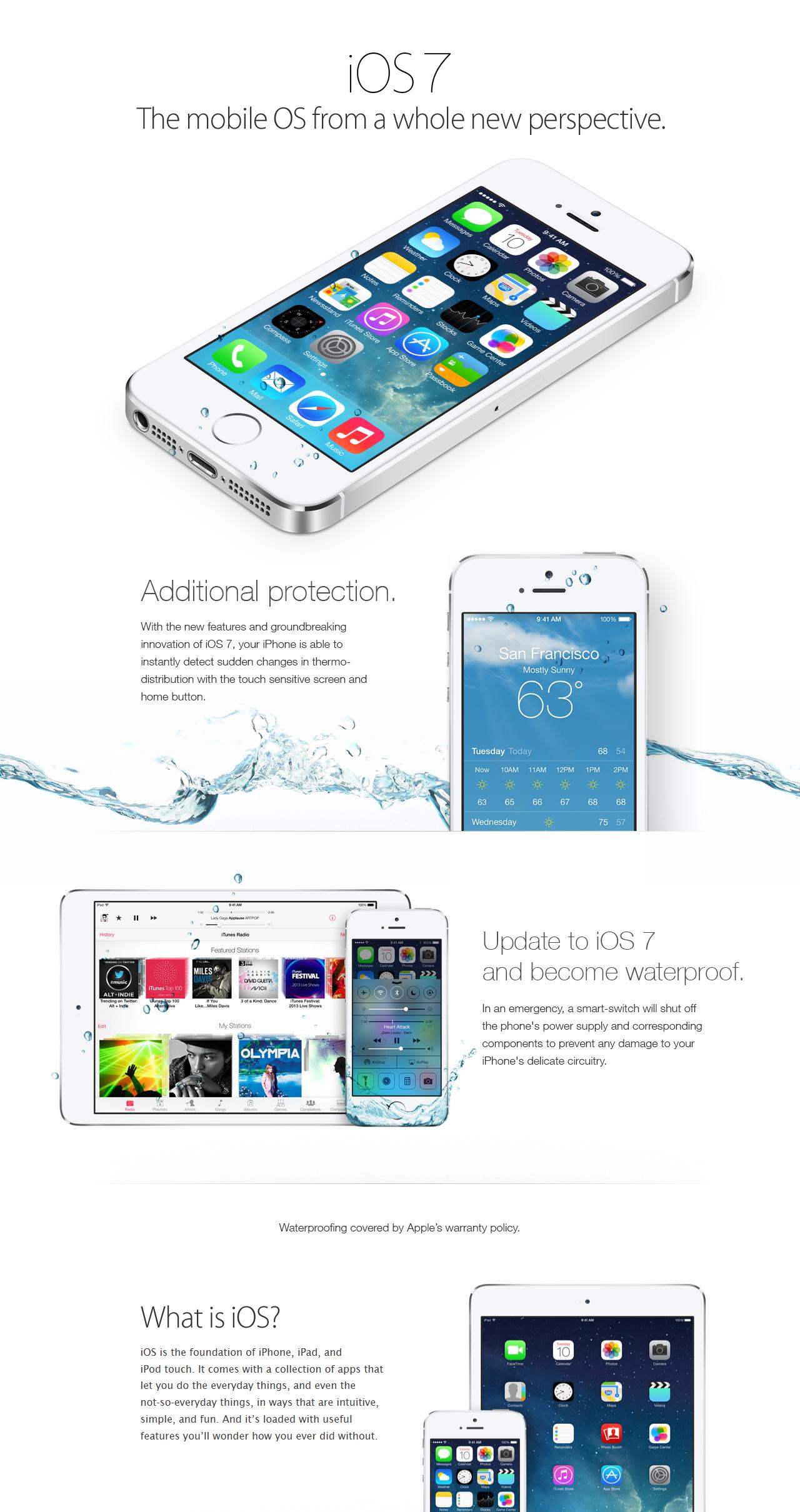
Following some epic pranks, like convincing iPhone owners their phones were now waterproof, sights were set on the XBox One. Backwards compatibility for our consoles is always a sticky subject. Our next gen consoles are not able to play the games of last gen off of the discs in our collection. The desire to do so though can lead people to do some rather silly things. Preying on that desire, a pic circulated detailing a set of instructions to enable backwards compatibility. Instead following the steps in the pic hard bricked the console. Anyone else find it strange that Microsoft would include such an easy to find auto-destruct sequence? Just me? Ok.
Well now 4chan is following it up with an attempt at wrecking a few PCs. The steps outlined in a new “tech support” pic would have users cut out all the files on their C: drive in an attempt to fix their bricked XBox. Again, preying on people who are JUST tech savvy enough to find these things, but who don’t really understand what they’re doing. Thankfully this joke will probably prove less effective as Microsoft has done a much better job of protecting Windows OS files. You’d have to be an Admin, and savvy enough to disable UAC (Microsoft’s protection software), and if you could do all that, you’d probably know better. Even if you didn’t however, Windows can often re-populate the files.

Microsoft probably got tired of fielding tech support calls from folks who deleted their OS. Even I have an Aunt who once went tearing through Windows 98 and threw out a bunch of “junk” files trying to free up space on her PC.
If you’re reading this blog, chances are you’re smarter than the average bear. It’s that time of year where we’re often tasked with fixing family computers and tech, while doing this, how about we all sit our relatives down again and have a little chat…
 Just got this question from a reader. Jim asks:
As a recent purchaser of a Nokia Lumia 2520 tablet I am starting to get a little concerned about Windows RT folding or at least developers not making apps. Is this real and if so what does that mean for my tabby?
Hey Jim! First of all congrats on the Lumia! It was my Windows Tablet pick of the year!
So here’s the deal.
Windows RT as we know it today probably wont stick around long, and as the owner of a 2520 this is a good thing for you… Continue reading “Ask Juan: Now that I own an RT tablet, will Windows RT disappear?”
 It’s the season of giving, and Nokia is hooking it up for you tablet shoppers!
I recently named the Lumia 2520 the Windows RT tablet of the year, and I think it’s already a great bargain when you compare it to an iPad hardware-wise. Nokia is sweetening the pot though by throwing in a free Power Keyboard Cover! This baby sports a QWERTY keyboard and built in battery to add hours more run time to your Windows slate. Normally a $150 add on.
Just fill out this form, and you’re all set! Enjoy!
Related:
Dreamworks’ Dragons Adventure on the Lumia 2520
Lumia 2520 vs Surface 2
Lumia 2520 hands-on video
 Here it comes folks!
Microsoft’s refresh to the operating everyone hated (until they started using it). Be on the lookout for the update to trickle out to your Windows Store app. Windows 8.1 fixes some bugs and improves the ModernUI, allowing for smaller live tiles and easier gestures to slide up to your app drawer. There also improvements under the hood to things like multi-monitor support. Nice little clean up job on top of Windows 8’s better file management and resource management and quick boot up time.
Those of you looking to upgrade a Windows 7 machine can buy a license directly to 8.1, but while boxes are on the shelves, it’s cheaper to buy a Windows 8 upgrade instead of a Windows 8.1 full license.
Those of you already on Win8, go hit the update and enjoy all of the new live-tile-y goodness!